You already have a phone. Now make it run your slides.
Bear Presenter turns the phone in your pocket into a remote for your PDF, PowerPoint or Keynote. The slides are in your hand, the pointer shows up on the big screen, and the laptop stays where it is.
No clicker to buy. No dongle to lose. Nothing to install on the phone.
The phone with Spotlight selected; the same spotlight is shown on the projection, darkening everything except the volcano diagram.
9:41
1
2
3
4
Pinch to zoom · drag to pan
Page 2 / 4Zoom 100%Connected
PrevReset ZoomNext
PenLaserSpotlight
Point from the back of the room.
Circle a number with the pen, sweep a laser dot, or drop a spotlight on one detail, all by dragging on the phone. It appears on the big screen the same instant, then fades. Your file is never touched.
The phone remote showing a strip of slide thumbnails, the current slide large, and Prev, Next and pointer buttons.
9:41
1
2
3
4
Pinch to zoom · drag to pan
Page 3 / 4Zoom 100%Connected
PrevReset ZoomNext
PenLaserSpotlight
See what's coming without turning around.
The current slide and the ones around it are right in your hand. Glance down, tap the one you want, keep talking to the room instead of to the laptop.
.pdfWin · Mac
.pptxWin · Mac
.keyMac
Bring the deck you already made.
Open the PDF, PowerPoint or Keynote file you were going to present anyway. No exporting, no uploading to a service, no rebuilding slides in another tool. Animations and builds keep working.
How it works
Ready before the room settles down.
Open your file on the laptop
Start Bear Presenter and open the PDF. Or open your PowerPoint or Keynote deck as usual and let Bear Presenter sit next to it.
Point your phone at the code
A code appears on the laptop. Scan it with the camera and the remote opens in your phone’s browser. Nothing to download, no account to make.
Walk away from the desk
Start the show from either device. From then on the phone drives: next, previous, jump, zoom, point.
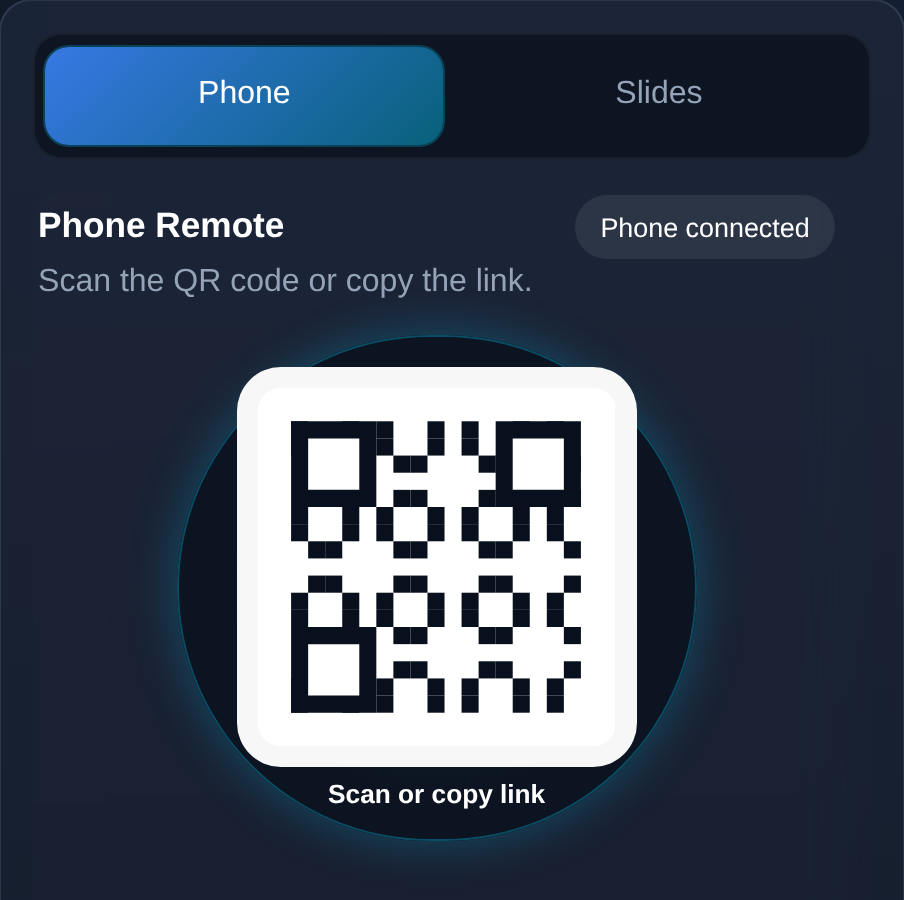
The pairing panel on the laptop.
Try it for real
Two minutes, your phone, this screen.
The preview at the top runs inside this page. This one does not. Start the demo and this computer becomes the presentation screen; scan the code and your phone becomes the remote, with the same Iceland deck, the same controls, and the real delay between a tap and the screen.
1
Start the demo
This page goes fullscreen and shows a code, the way the app does on a laptop.
2
Scan it with your phone
The remote opens in your phone’s browser. Nothing to install.
3
Present
Change slides, zoom in, drop a spotlight. Watch this screen keep up.
No download, no account. The demo ends by itself after 20 minutes.
You are reading this on a phone. Open this page on a laptop, start the demo there, and scan the code with this phone.
The demo links the two devices over the internet. In the room, Bear Presenter can connect the phone to the laptop directly, which is quicker still. The sample deck is a PDF; PowerPoint and Keynote work through the desktop app.
Phone remote
Your code appears here
Waiting for your phone
9:41
Connecting to presenter…
Bear PresenterLive demoPreparing your presentation…
PDF works on both. PowerPoint works on both. Keynote works on Mac.
On a Mac, PowerPoint asks once for Screen Recording permission so the phone can preview the slides.
Your phone
Any phone with a browser and a camera.
Nothing to install, no account.
Your network
Scan the code on the laptop and you are connected. That is all most people need to know.
For the fastest response, or when there is no internet at all, the phone can also talk straight to the laptop over the same Wi‑Fi or a phone hotspot.
On that direct route the browser may say the page is “not secure”. That is simply what a private, local connection looks like.
Questions
Things people ask before their first talk.
Is the phone mirroring my screen?
No. The phone gets small previews of the slides and sends your taps back. The big screen is drawn by the laptop, so it stays sharp and the phone barely uses any data.
Do I need the internet?
Not necessarily. If the phone and laptop are on the same Wi‑Fi, or the phone shares its hotspot, they talk to each other directly and work with no internet at all. Otherwise Bear Presenter connects them over the internet.
Do my PowerPoint animations still work?
Yes. PowerPoint itself plays the deck; Bear Presenter only tells it what to do. The phone even shows when a slide has steps left, so Next does what you expect.
Does drawing on a slide change my file?
Never. Pen, laser and spotlight are drawn on top and fade away. Your PDF, PowerPoint or Keynote file is not modified.
What about speaker notes or a timer?
Not yet. Bear Presenter does slides, navigation and pointing well; notes and timers are on the list, not in the app.
Can a colleague take over from their phone?
One phone at a time. Bear Presenter is built for a single presenter.
Be the first to present with it.
Bear Presenter is built for Windows and Mac and is not publicly released yet. Ask for early access and we will get in touch when a build is ready for your computer.